Life can get messy sometimes. You move houses, change contact numbers, or even update your family status—but your records don’t automatically catch up. For PhilHealth members, keeping personal information accurate is more than a mere formality; it’s essential. Incorrect details can delay claims, affect your contributions, or cause unnecessary headaches when you need medical coverage the most. If you’ve ever wondered how to update your personal information after logging into your PhilHealth account, you’re in the right place. This guide will walk you through the process step by step, share insider tips, and even cover common pitfalls—so you don’t waste time or energy.
What is PhilHealth?
Before diving into the “how,” let’s revisit the “what.” PhilHealth, short for the Philippine Health Insurance Corporation, is the government-mandated health insurance program in the Philippines. Its main goal is to provide affordable and accessible healthcare coverage for all Filipinos. Membership is required for employees, self-employed individuals, senior citizens, and even overseas Filipino workers who want to maintain their benefits.
PhilHealth covers hospitalization, selected medical procedures, maternity benefits, and other health services. Because it plays such a critical role in your health and finances, keeping your account up-to-date isn’t just a bureaucratic task—it’s an investment in peace of mind.
Why Updating Your Personal Information is Important
You might think, “I’m already a PhilHealth member. Does my info really matter?” The short answer: yes. Here’s why updating your personal information is crucial:
- Avoid Claim Delays
Wrong names, addresses, or birthdates can result in rejected claims. Imagine going through a hospital procedure only to find out your coverage doesn’t match your profile—frustrating, right? - Ensure Correct Contribution Records
Your monthly contributions affect your eligibility for benefits. If your personal data is outdated, your contributions might not reflect accurately. - Maintain Eligibility for Family Members
PhilHealth also tracks dependents. Keeping your information current ensures your spouse or children remain covered without surprises. - Comply with Legal Requirements
PhilHealth mandates accurate information for membership. While there’s no penalty for a simple oversight, repeated inconsistencies can complicate your records.
In short, your PhilHealth profile is not just a form—it’s a lifeline. Updating it may seem tedious, but the benefits far outweigh the inconvenience.
PhilHealth Requirements Before Updating Your Information
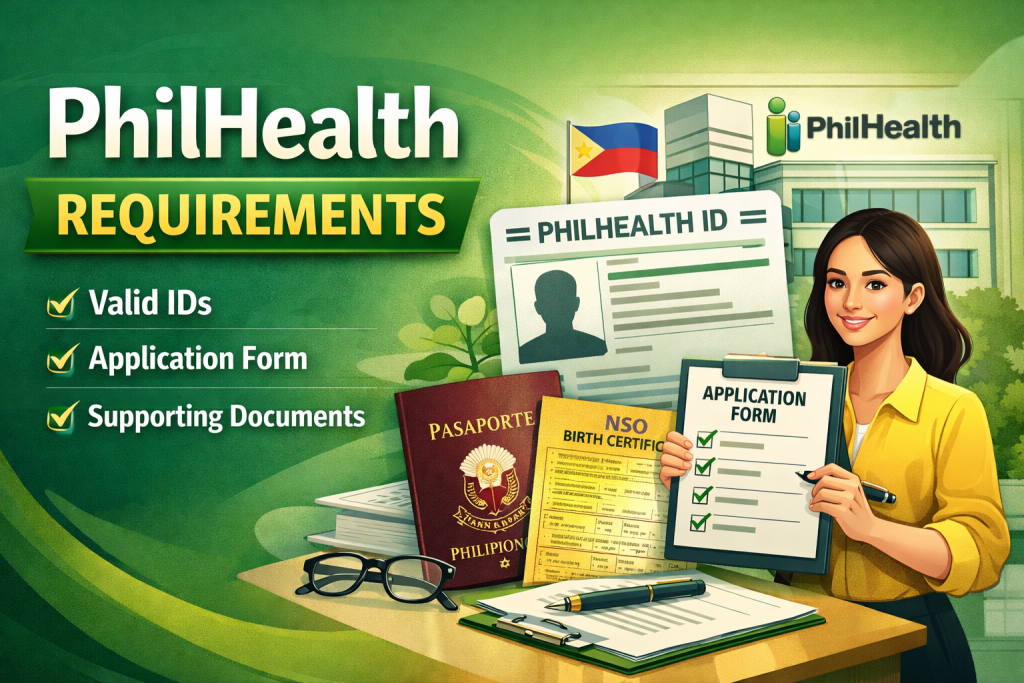
Before you attempt to update your details, make sure you have the following requirements in order:
- PhilHealth Membership ID or Number
You cannot proceed without your official PhilHealth ID or membership number. This is your key to accessing the online portal. - Valid Government ID
Bring a government-issued ID, such as a driver’s license, passport, or UMID card. PhilHealth may require a scanned copy for verification. - Proof of Changes
If updating your name due to marriage, legal documents like a marriage certificate or court order may be necessary. For address changes, utility bills or official documents showing your new residence might be requested. - Stable Internet Access
Since most updates happen online, ensure you have a reliable connection. Nothing is more frustrating than losing progress mid-update. - PhilHealth Online Account Login
Ensure you’ve registered for PhilHealth’s online portal. If you haven’t yet, you’ll need to create an account first.
Having these ready before you start will make the process smoother and save you from unnecessary stress.
Step-by-Step Guide to Updating Personal Information After PhilHealth Login
Updating your personal information after logging into PhilHealth isn’t rocket science, but there are a few nuances you should know. Follow these steps carefully:
Step 1: Log in to Your PhilHealth Account
Go to the official PhilHealth website and log in using your username and password. If you’ve forgotten your credentials, use the “Forgot Password” option to reset them. Be cautious about phishing sites; always check the URL.
Step 2: Navigate to Personal Information Section
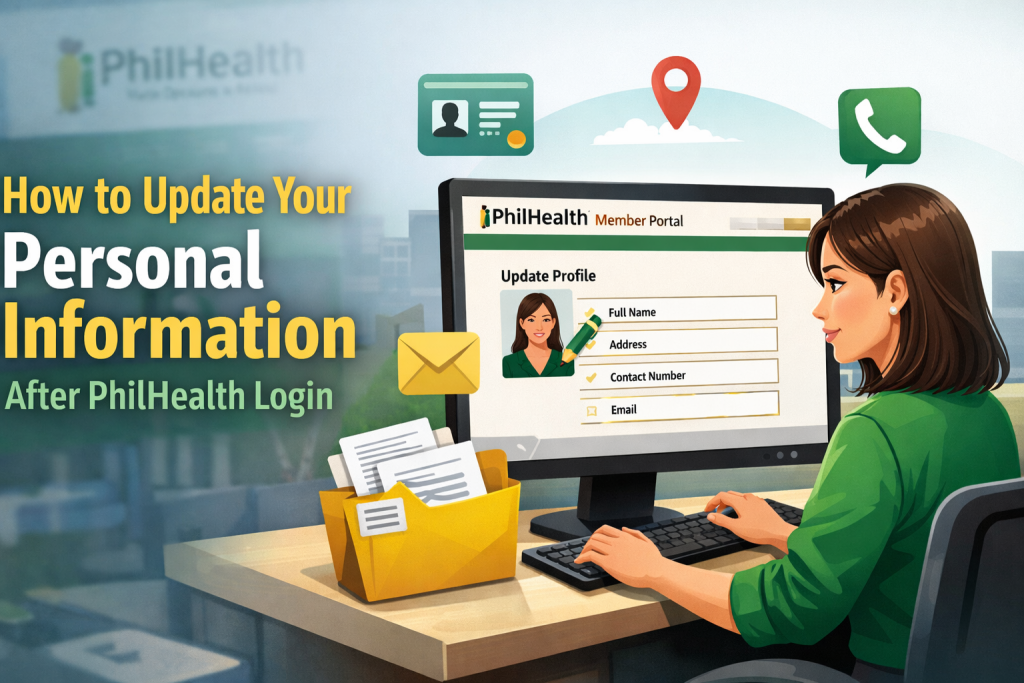
Once logged in, look for a tab labeled “Personal Information” or “Member Info.” This is where all your basic details—name, address, contact number, and marital status—are displayed.
Step 3: Click on Edit or Update
You’ll see an “Edit” or “Update” button next to each section. Click the appropriate button for the detail you wish to change.
Step 4: Enter Correct Information
Type in the updated information carefully. Double-check spelling, numbers, and dates. Even minor mistakes can cause issues with claims later.
Step 5: Upload Required Documents
If PhilHealth requires verification, upload scanned copies or photos of supporting documents. Ensure the files are clear, legible, and within the file size limit.
Step 6: Review and Confirm
Before submitting, review all changes thoroughly. Check for typos, missing information, or mismatched documents. This is your last chance to avoid common errors.
Step 7: Submit Update Request
Click the “Submit” button to finalize your changes. You may receive a confirmation email or reference number. Keep this number for future reference—it can help if any follow-ups are needed.
Step 8: Wait for Verification
PhilHealth may take a few days to verify your update. During this time, avoid making duplicate requests, as it can slow down processing.
Common Issues and How to Resolve Them
Even with careful preparation, some problems can arise. Here’s what you might encounter:
- Login Problems
Forgot your password? Try the reset option. If you still can’t log in, contact PhilHealth support directly. - Document Rejections
Blurry scans or mismatched documents are the most common causes. Retake photos or double-check the information before resubmitting. - Update Not Reflecting
Sometimes updates take several days to process. Keep your confirmation number handy and follow up if necessary. - Technical Glitches
Browser issues or slow internet connections can interrupt submissions. Try clearing cache, using another browser, or updating your app if you’re on mobile. - Incorrect Updates by Mistake
If you accidentally entered wrong information, don’t panic. Log back in, and repeat the update steps. PhilHealth can help correct repeated errors with verification.
Mistakes happen, but patience and preparation can prevent most frustrations.
Tips for a Smooth Update Process
To make updating your PhilHealth information stress-free:
- Prepare documents ahead: Have scanned copies ready in advance.
- Double-check details: Spelling, numbers, and dates matter.
- Update regularly: Don’t wait until you need a claim—update as life changes.
- Use official channels: Stick to PhilHealth’s website or mobile app. Avoid unofficial social media pages.
- Keep a confirmation record: Screenshot or save emails for proof.
- Ask for help if unsure: PhilHealth support is there to guide you.
Small preparation steps can save hours of headaches later.
FAQs
Q1: Can I update my PhilHealth information offline?
Yes. You can visit a PhilHealth branch and submit documents personally, but online updates are faster and often more convenient.
Q2: How long does it take for updates to reflect?
Processing typically takes 3–5 business days, but it can vary depending on document verification.
Q3: What if I don’t have a government-issued ID?
Other valid documents, such as a company ID or school ID, may work in some cases, but check with PhilHealth first.
Q4: Can I update my dependents’ information online?
Yes. The portal allows updating spouse and children details, but supporting documents for verification are required.
Q5: Will updating my info affect my contributions?
No, as long as your PhilHealth number and account remain the same, your contribution records will not be affected.
Conclusion
Updating your personal information after PhilHealth Login might seem like a small task, but it carries big benefits. Accurate details ensure seamless claims, correct contributions, and continued coverage for you and your loved ones. By preparing documents in advance, following the step-by-step guide, and keeping track of confirmations, you can complete the process efficiently and with minimal stress.
Remember: PhilHealth is not just a government requirement—it’s your safety net when life throws unexpected medical expenses your way. Don’t let outdated information compromise your benefits. Take a few minutes today to log in, review your details, and update your records. Your future self (and your family) will thank you.
